Visual brief and source review
Collect the approved customer photos, references, design choices, usage rights and constraints for the concept.
Web Design, Development & CRO
Help a customer picture a concept before the work begins.
Create conceptual, AI-assisted sales visuals from client-approved photos, references and design direction. The images help a customer discuss appearance and options; they are illustrative concepts, not construction plans, measured drawings or a verification of materials and site conditions.
Discuss this serviceExplore the scopeExplore Branding & CreativeThe concept helps customers compare appearance while people verify project facts.
The approved visual supports discussion; project specifications remain separately verified.
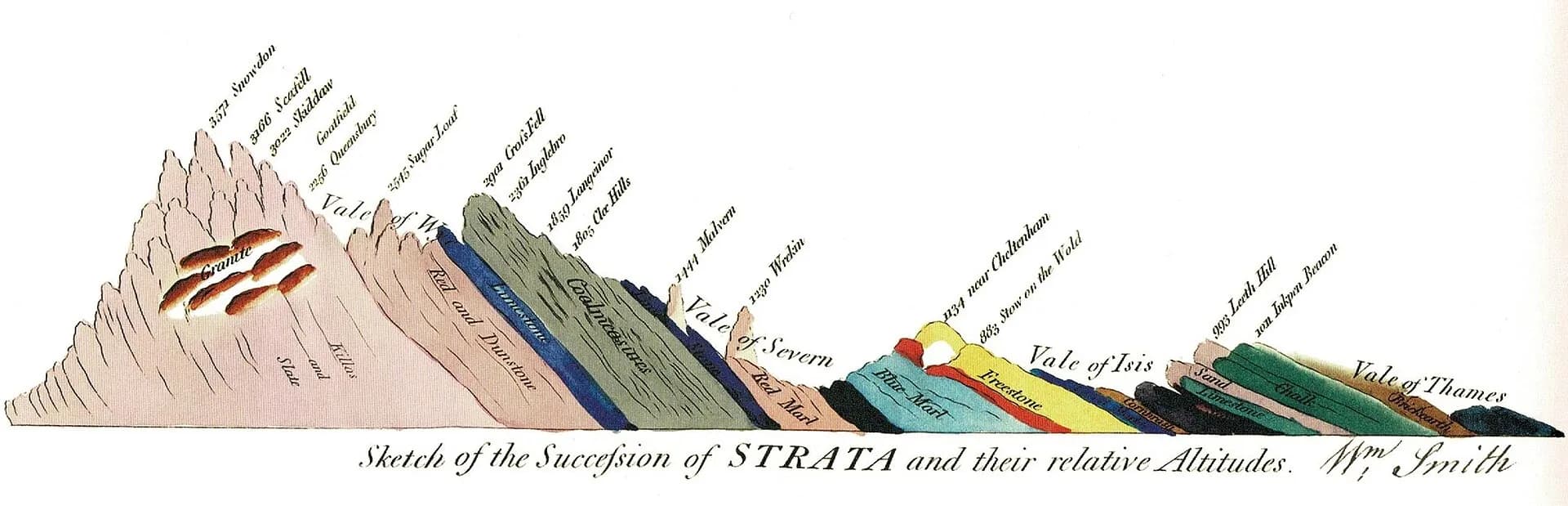
AI Design Visualizations works in the digital surface. Strata Modus raises the information floor, from the physical layer to the digital surface.
Where buyers search, ask AI and decide who to call: your website, Google, AI answers and campaigns.
Marketing & AdvertisingWeb Design, Development & CROHow an inquiry reaches a person: AI voice, missed-call text back, intake, CRM and follow-up.
AI & Business AutomationThe systems the work runs on: strategy, software, technology and the integrations between them.
Strategy & Fractional LeadershipCustom Software & IntegrationsTechnology ConsultingThe work itself: crews, jobs, records, compliance and the numbers behind them.
Compliance & Operational ReadinessBookkeeping & PayrollThe business opportunity
A customer may struggle to compare finishes, color directions or a proposed look from written descriptions alone. A quick visual can support the conversation, but an image model can change details and should not be treated as a source of construction dimensions or product availability.
Use a reviewed concept image to make a sales conversation more concrete. The business approves the source assets, constraints and final visual before sharing; people confirm measurements, materials, code requirements and feasibility separately.
Start with our infrastructure. Strengthen the assets in your business.
Your website, page designs and original site content.
Shared Strata networks remain Strata-owned. Your commissioned assets and access are documented in the scope.
The engagement
A defined scope gives your team a clear picture of the work and what it needs to operate.
Collect the approved customer photos, references, design choices, usage rights and constraints for the concept.
Prepare a bounded set of AI-assisted visual options for the agreed sales question and selected tool workflow.
Review generated details with the customer and revise the concept within the agreed scope before it is presented as a sales aid.
Deliver the approved files with usage notes and a clear statement that dimensions, construction, materials and availability require separate verification.
From first conversation to working system
Agree what the customer needs to compare and gather assets the business has permission to use.
Create illustrative directions in the selected tool and check them against the approved brief.
Confirm the business and customer approve the visual and understand which project details still require verification.
Before we begin
We’ll refine the details around your business in the first conversation.
Yes. They can illustrate a proposed look for discussion; the responsible professional verifies measurements, site conditions, materials, availability, code and construction details separately.
Only with the customer's and business's permission for the agreed use. Source assets and any personal details are reviewed before they are sent to an AI provider.
The proposal identifies the tool, license, usage limits and any provider charges separately. The business approves which assets and information may be submitted.
This work is scoped separately after consultation. Your proposal defines implementation, responsibilities and any ongoing support.
Read the pricing and scope termsDiscuss the work for your businessStart with your business
Tell us what needs to improve and what you use today. We can help plan the change, build the solution and provide ongoing support, with responsibilities and pricing agreed in your proposal.